Zoom Annotation Attack: The One Time The Lambs Didn't Even Have To Click

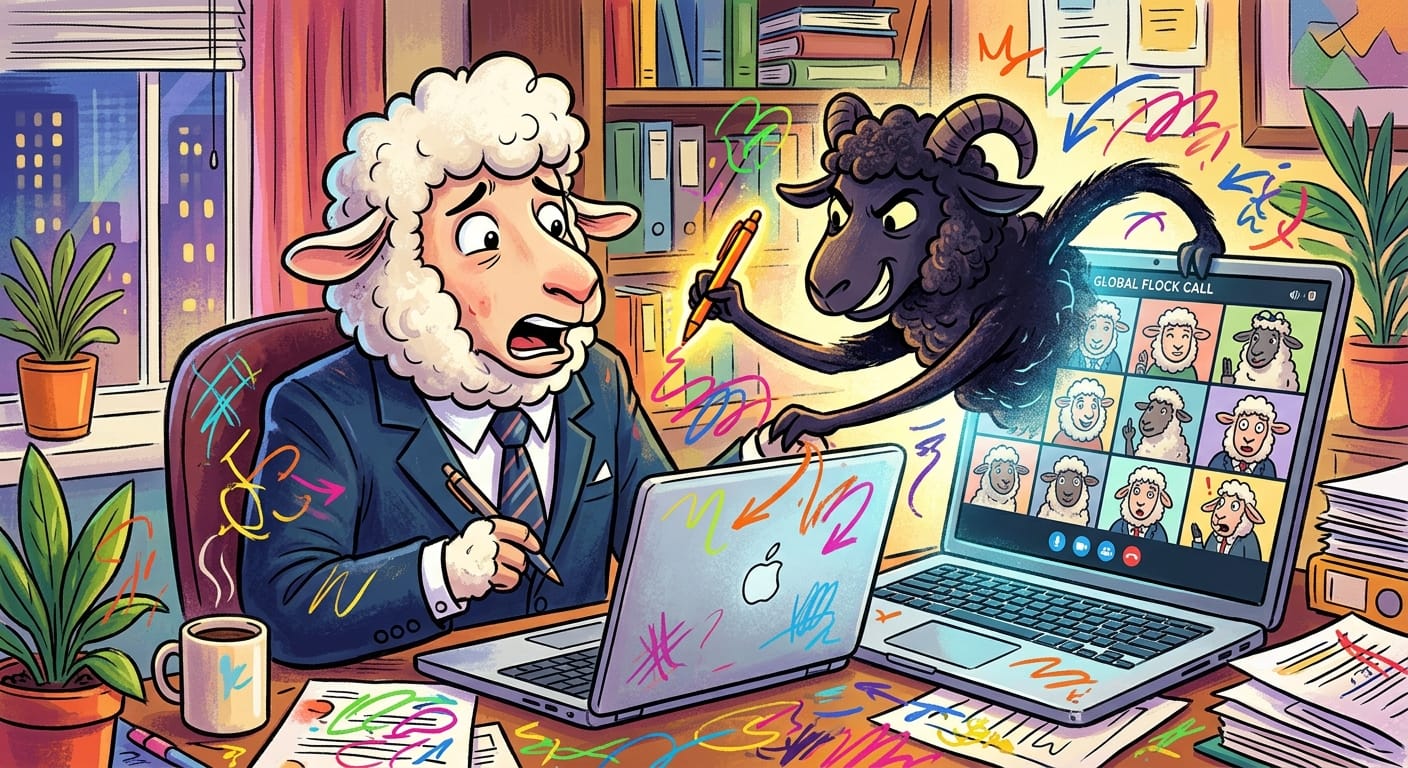
Okay. OKAY. I need everyone to sit down for this one, because for once in my miserable career, I cannot blame the flock.
I know. I'm as shocked as you are. Give me a moment.
Zoom's annotation feature, that little toolbar that lets your most annoying meeting participant draw red circles on your slides for twenty minutes, had a flaw so bad it makes my eye twitch. If you were sharing your screen, a wolf in the same meeting could hijack your client. And if you were just watching, the presenter could have hijacked yours right back. Mutual destruction. Beautiful, in a horrible way.
The truly soul-crushing part? No fake grain. No suspicious links. No "CLICK HERE TO CLAIM YOUR PRIZE" button for a lamb to headbutt enthusiastically. The victim just had to be in the meeting. Breathing. Existing. Staring at someone's badly formatted PowerPoint. That's it. That's the whole attack surface.
I've spent fifteen years screaming at the flock about not clicking things. Fifteen years. And now the wolves have found a hole in the fence that doesn't even require the lambs to look at it.
I'm fine. I'm totally fine.
The parasites could ride in silently on the annotation stream itself, no prompt, no warning, nothing rendered on screen to tip anyone off. Full client compromise, delivered like a cursed gift with a bow on top. The Shepherds are already asking if this affects their weekly "alignment synergy" calls and I genuinely do not have the emotional bandwidth to answer them right now.
Zoom has patched it. The ointment is available. Update your client, or I will find you.
Remediation
Look, this one's actually simple, which is the only good news I have today:
Update Zoom. Immediately. Not after lunch. Not "later this week." Right now, while you're reading this and feeling bad about it.
Verify your version. The fix is in the current release. If your Shepherds have locked down auto-updates for some reason that made sense to nobody, escalate it and make it their problem for once.
Disable annotation for meetings where you don't need it. Zoom's account settings let admins turn this off entirely. You probably didn't need the lambs drawing on your slides anyway.
Audit who's in your meetings. Waiting rooms exist. Use them. An unknown participant in a sensitive call is a wolf in wool clothing.
That's it. Go patch. Go sleep. I'm going to go stare at the ceiling and think about career alternatives.
Thirty-two hours awake and the fence just fixes itself sometimes, apparently.
Original Report: https://thehackernews.com/2026/08/zoom-annotation-flaws-could-let-meeting.html